

Automate your customer service. Sign up free
Text × Webflow

Webflow AI chatbot that
turns visitors into customers

Install it on your published site with no code. It learns from your pages, matches the design you built, and replies before visitors leave.

Free 14-day trial No credit card required AI agent included

Website chat with a proactive discount greeting, an AI agent answering a gift question, and the visitor's profile beside the conversation Chat widget greeting a visitor with a 30 percent offer and quick replies on a jewelry site

Solve cases

The AI agent answers visitor questions straight from your site's content.

Capture leads

Qualify visitors mid-conversation and hand your team warm contacts.

Grow sales

Chats become signups, bookings, and orders your reports can prove.

Over 35,000 brands are already selling through service with Text

ToyotaS&P GlobalUnileverHuaweiMotorola SolutionsAdobePayPalKPMGHyundaiLGMcDonald'sMercedes-Benz

Built for Webflow

The widget respects your design, and the AI agent knows your pages and your visitors.

Widget appearance and visibility settings with theme, primary colors, alignment, and edge distance

Fits your design

Pick the theme, colors, and placement that match your site. The widget looks like part of your layout, not an add-on.

Visitor profile with contact details, local time, and recent conversations across channels

Know every visitor

See who you are talking to: contact details, local time, and every recent conversation in one panel.

AI agent connected to a website URL, a PDF, and a text file as knowledge sources

Trained on your pages

Point the AI agent at your site URLs and documents. It answers from what you publish and stays up to date.

Visited pages timeline showing which pages a visitor opened and how long they stayed

Answers with page context

The AI agent sees the page a visitor is on and the journey behind it, so replies land in context.

Lead collection workflow that qualifies the lead when a chat ends and sends it to the CRM and the sales channel

Leads in your stack

Chats end with qualified leads and transcripts your team can pick up, right where they already work.

Webflow live chat
with an AI agent inside

The widget opens the conversation. Behind it, an AI agent reads the visit and carries the exchange end to end.

AI agent skill collecting a customer's email to send a restock alert after an interest signal

Read buying intent

Pricing checks, comparisons, a long look at your plans: the AI agent reads the signal and acts while interest is warm.

AI agent offering a 10 percent discount code with a copy button, confirmed as copied by the customer

Offers that land

A well-timed coupon, free shipping at the right total, an upgrade that fits: the AI agent makes the offer when it counts.

Assistant greeting a returning visitor with quick actions to start a chat or check an order

Start the conversation

Campaigns invite visitors in: a greeting on the pricing page, an offer after a quiet minute of browsing. The AI agent takes it from there.

Chat list with a supervise chat button on a conversation handled by the AI agent

Eyes on every chat

Follow any AI conversation as it happens, join in yourself, or have a rule pull a teammate in with the chat tagged and ready.

Language control icon

Language control

Choose the languages your AI agent speaks, from one to all of them.

AI resolution icon

AI resolution

Count the conversations your AI agent closes with no human help.

Custom instructions icon

Custom instructions

Write the role, the tone, and the hard limits in plain language.

Add a chatbot to Webflow in four steps

Four steps separate signup from a live AI agent, and none of them involve code.

Create your account

Start the free 14-day trial with your business email. No card needed.

Enter your site URL

In Text, open Settings, choose Website widgets, and add your Webflow site's address.

Authorize in Webflow

Click Add to Webflow, pick your site, and select Authorize App. No code involved.

Publish your site

Add the widget, preview it in Webflow, and hit Publish website. The status flips to Connected.

You call the plays.

Choose the skills, set the voice, and keep the results in sight while the AI agent runs.

Pick the right skill.

Booking demos, routing chats, sharing codes: give the AI agent the skill each job calls for, and it fires at the right moment.

Sign up free
Visitor request routed to the booking agent among available specialized agents
Tone of voice options with a friendly on-brand reply suggesting gift ideas

It writes like you.

Tone, style, and answer length follow your settings, so every reply reads like your team on a good day.

Sign up free

Watch it work, live.

Follow AI and team results as they happen, or zoom out to any period you need.

Sign up free
Chats report split into manual, assisted, and automated handling with first response time
Wembley

$1.5M

Revenue after 8 months

Sephora

+25%

Average order value

Stratco

80%

AI resolution rate

AI agents with a sales instinct

Every website conversation is a chance to capture a lead, book a meeting, or close a sale. The AI agent finds the opportunity on its own.
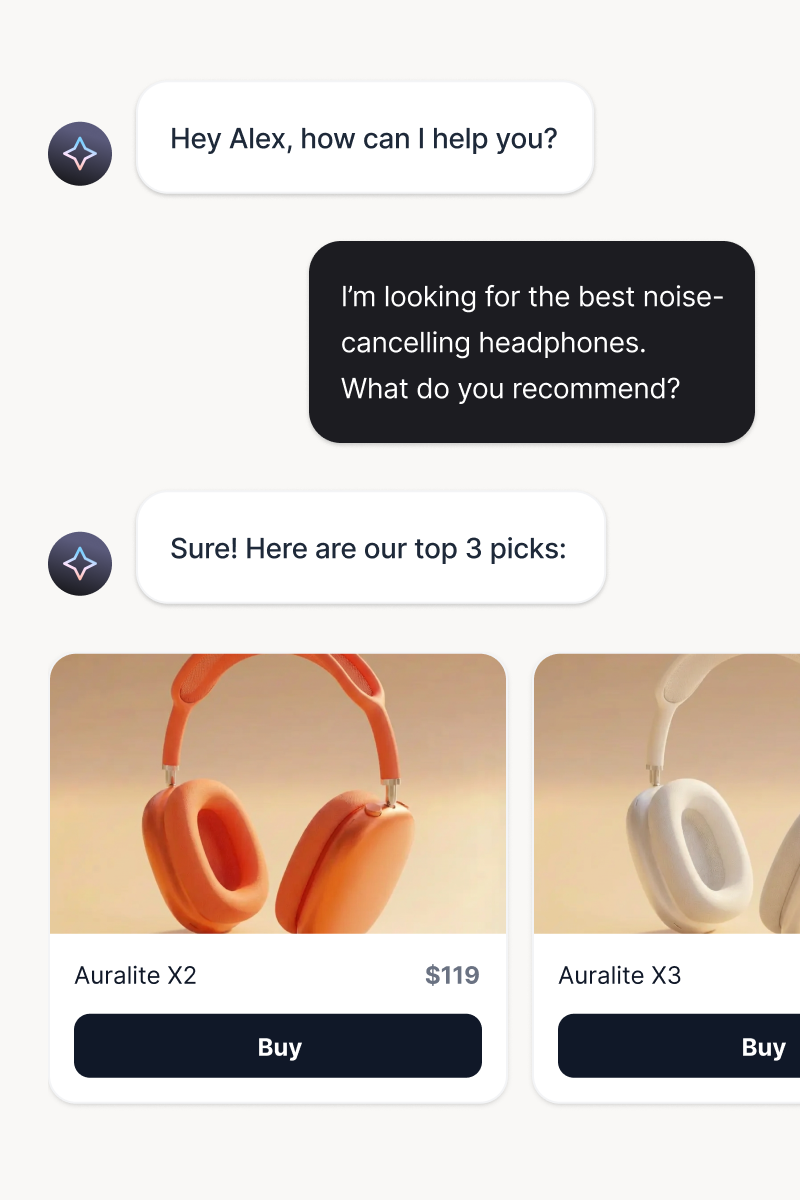
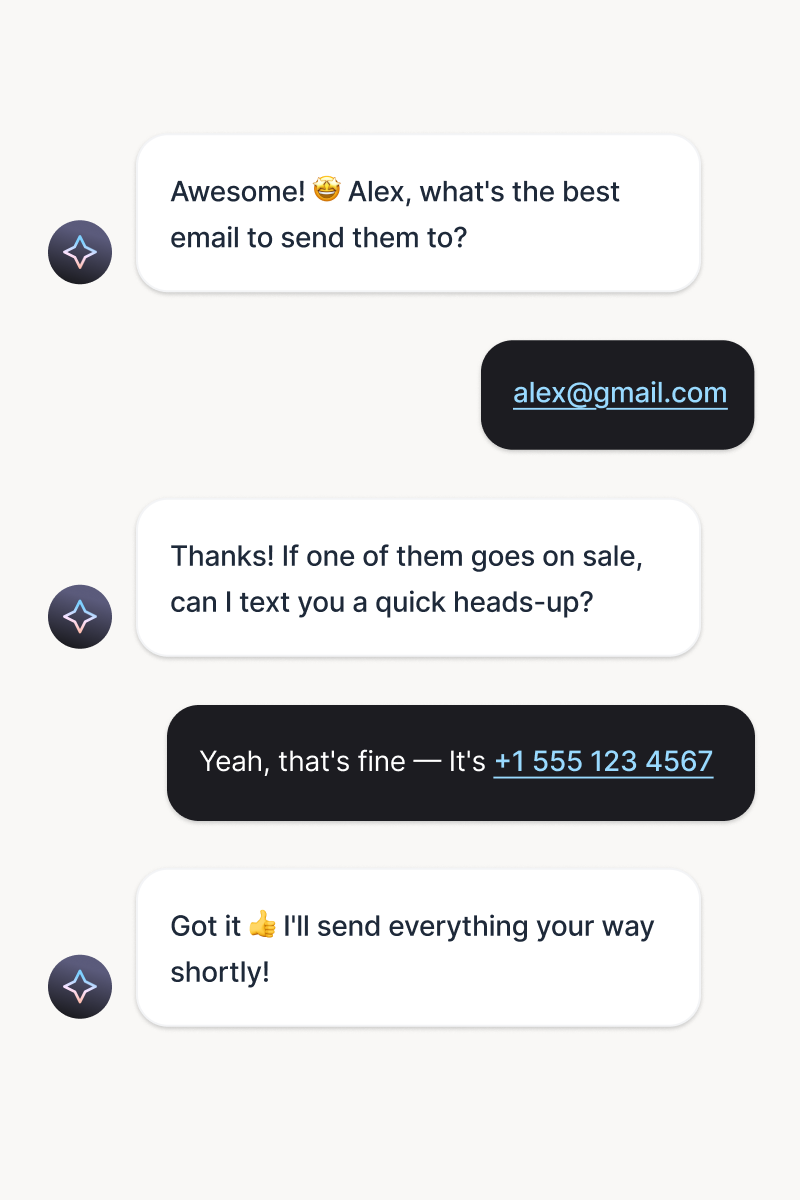
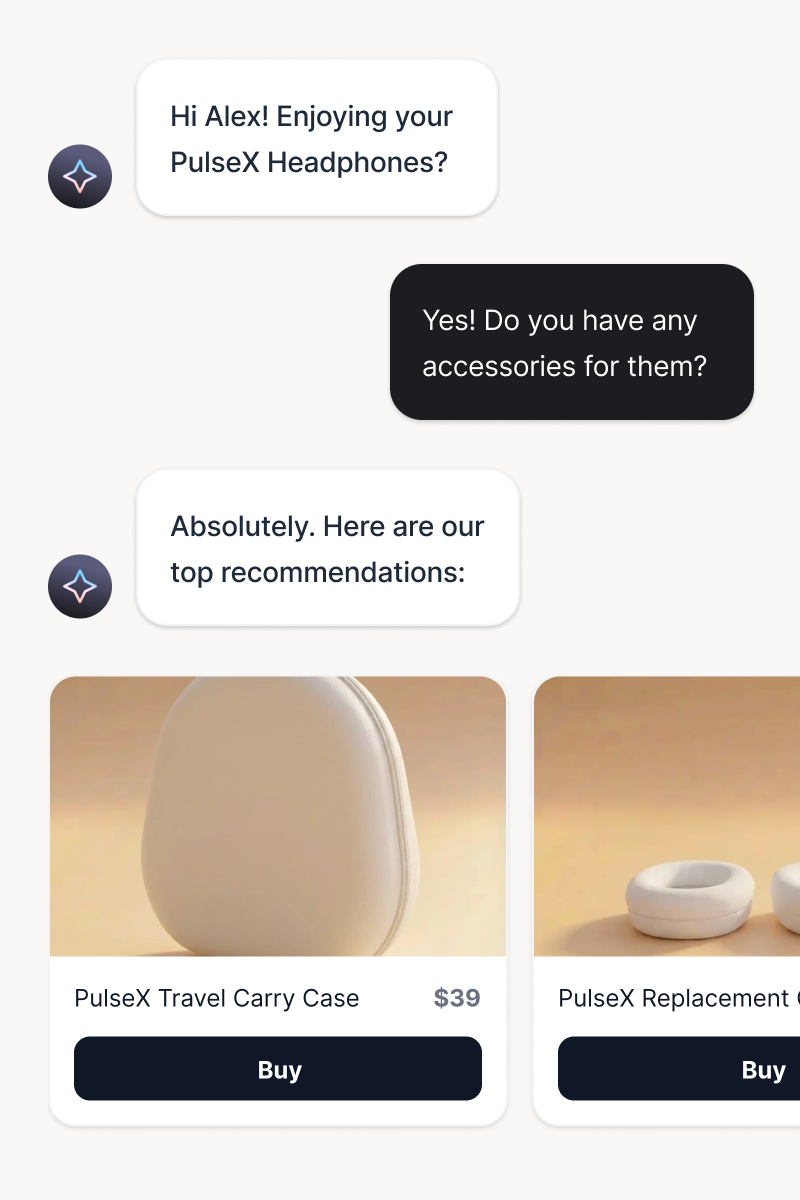
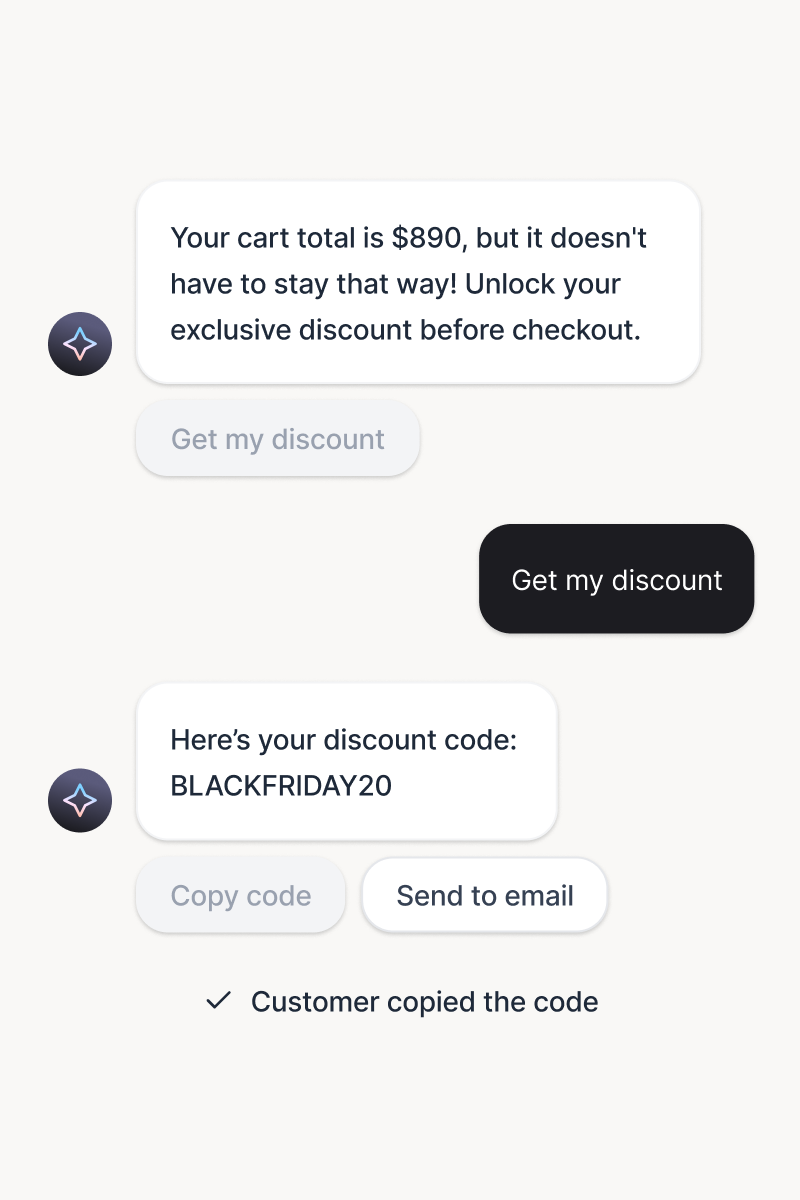
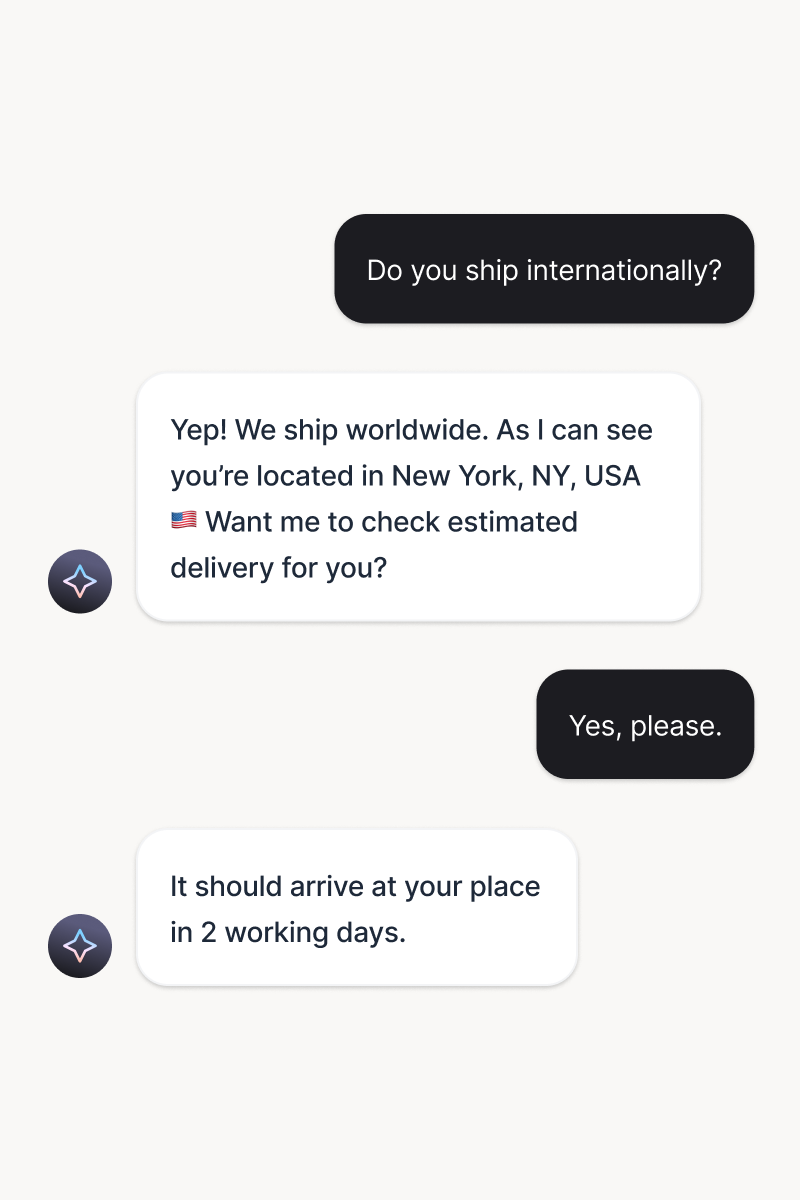
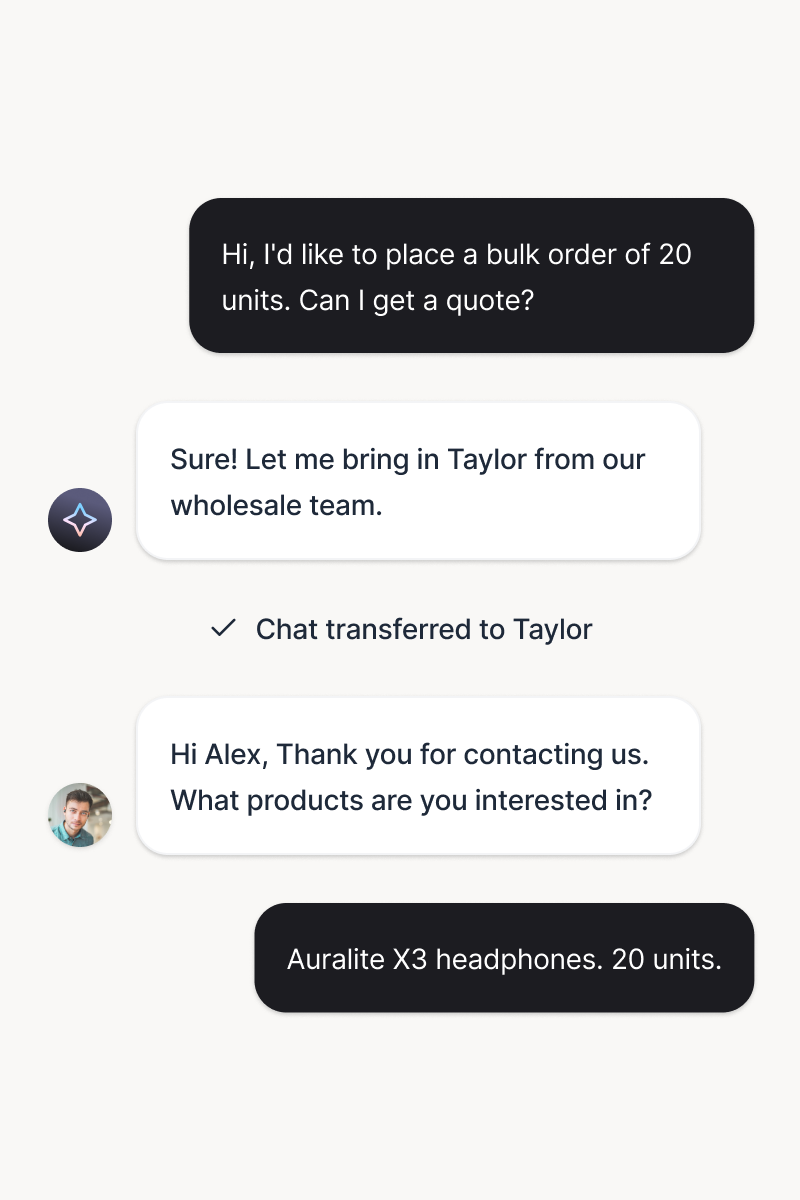
A chat interface with an AI customer support agent recommending headphone models to a customer through automated product suggestions. An AI customer service agent exchanging automated chat messages with a customer, showing how customer service software collects email and phone details through conversational messaging. A chat interface showing an AI agent recommending headphone accessories to a customer, illustrating an automated cross-sell interaction with product options. An automated chat between an AI sales agent and a customer, sharing a discount code and demonstrating how AI messaging tools assist with checkout and conversion optimization. A conversation between an AI customer support agent and a customer about international shipping, illustrating how customer service automation and an AI agent provide delivery details and real-time support. A chat between an AI sales agent and a customer discussing a bulk order quote, showing how AI agents and customer service automation assist sales teams with discounts and wholesale requests.

Product recommendations

Your AI agent matches customers with products they actually want. Personalized suggestions based on browsing history, cart contents, and conversation context.

Try it free

Lead capture

Generate and qualify leads instantly, in the right moment. Lead generation becomes part of the conversation experience.

Try it free

Cross-sell and upsell

Deliver timely, relevant messages based on behavior and intent. Every nudge feels personal and drives action.

Try it free

Personalized offers

Serve tailored offers at the perfect moment. Context-aware incentives drive sales without feeling pushy.

Try it free

Instant FAQ answers

Automate over 80% of chats and tickets. Your team gets time back, and customers get answers instantly.

Try it free

Smart handoff to humans

Transfer conversations with full context and zero repetition. Pick up the thread seamlessly to keep the momentum.

Try it free

Skills that capture opportunities

A skill is one plain-language rule: when this happens, do this. Use a ready-made one or write your own, and it runs on every conversation.

Consultation booking

When

When a visitor asks two or more questions, offer a demo and collect their name and preferred time.

Collect customer details

When

When a new visitor starts a chat, ask for their name and email, and save the lead for your team.

Order status

When

When someone asks where their order is, check it and share the latest delivery update.

After-hours support

When

When a visitor asks about a product after 5:00 PM local time, ask quick questions to understand their needs.

Instant transfer

When

When the customer is speaking Spanish, transfer the chat to the dedicated Spanish-speaking team.

Handle tickets

When

When a question needs follow-up, open a ticket with the details already filled in.

Each card shows the complete setup. Adding a skill of your own costs one more sentence.

Put skills to work

Humans, right on cue

The AI agent covers the routine and pulls your team in at the moments you define.

Escalation on your rules.

Choose when a conversation moves to a person or becomes a ticket. Full history travels with it, and a 30-second no-pickup turns into a ticket on its own.

Sign up free
AI agent answering an engraving question and transferring the chat to the personalization designer
Inbox with AI agent chats, solved and sold views, tickets, and channel filters in one place

One inbox for everything.

AI conversations, human chats, and tickets share a single view, so resolving never means switching tools.

Sign up free

What is a Webflow AI chatbot?

A Webflow AI chatbot is an AI assistant that lives in your site's chat widget and handles visitor conversations end to end. It trains on the pages and documents you publish, answers questions in your brand's tone, captures and qualifies leads, and brings your team in with full context when a conversation needs a human. The best ones respect the site they join: they match your design, keep your pages fast, and connect without touching your codebase.

Does Webflow have a built-in chatbot?

Webflow focuses on design and content, and it leaves chat to integrations. A dedicated AI chatbot adds an agent that learns your content, greets and qualifies visitors, and reports how many conversations it resolves on its own. ChatBot by Text connects to Webflow natively in a few minutes, with no code pasting.

What to look for in a Webflow chatbot

A Webflow chatbot has three bars to clear. First, a native connection, so nothing fragile lives in your site settings. Second, design control, so the widget looks like part of your layout. Third, an AI agent that answers from your own content and shows you the leads and resolutions it delivers. A chatbot that breaks your design costs you more than it saves. One that fits it turns your site into a profit engine.

Frequently Asked Questions

What is a Webflow chatbot?

A Webflow chatbot is an AI assistant that greets visitors from your site's chat widget and runs the conversation for your business. It answers questions using your website content, captures and qualifies leads, and hands the conversation to your team when needed. ChatBot by Text connects to Webflow natively, so the widget appears on your published site without any code and the AI agent starts working right away.

Does Webflow have a built-in chatbot?

Webflow gives you full control over how your site looks, but it does not ship with a chatbot or live chat. To talk to your visitors, connect ChatBot by Text. The connection is native, the widget follows your design settings, and the AI agent answers from the content you already publish.

Will the chat widget slow down my Webflow site?

No. The widget is built to load fast and look native, so the experience you designed stays intact. Your layout, animations, and interactions work exactly as you made them, and the chat is ready when a visitor wants to talk.

What does the AI agent learn from?

You point it at your content. Add your website URL and choose the full site, nested pages, or single pages, and set automatic updates so the knowledge stays current. You can also upload files like PDF, DOCX, TXT, CSV, and MD up to 50 MB, and write articles directly in Text. The AI agent answers from those sources.

What happens when a visitor needs a human?

You set the rules. The AI agent transfers the conversation to your team when your conditions are met, and the chat arrives with the full history so nobody repeats themselves. If no teammate picks up within 30 seconds, the AI agent creates a support ticket, and the visitor gets an answer either way.

Can I run different AI agents on different websites?

Yes. On Growth and Enterprise plans you can run multiple AI agents, each with its own knowledge base, skills, and profile. That makes one Text account a clean setup for agencies and teams that manage several Webflow sites: every site gets an agent trained on its own content.

Does it work with Webflow Ecommerce?

Yes. The widget runs on every page of your published Webflow site, including product and category pages. Train the AI agent on those pages and it answers product questions, recommends what fits, and helps visitors decide. Your team sees each visitor's journey, so store conversations always have context.

How do I add an AI chatbot to my Webflow site?

Start with a free Text account. In Settings, choose Website widgets, enter your site's URL, and click Add to Webflow. After you authorize the app in your Webflow account, add the widget, preview how it looks, and publish your website. Setup fits into a coffee break, and the status switches to Connected once the widget is live.

Do I need to paste code into my Webflow site?

No. The native connection handles everything: you authorize the app in Webflow, add the widget, and publish your site. There is no code snippet to copy and nothing to maintain in your site settings. If you prefer a manual setup, installing the widget by hand or through Google Tag Manager works too.

Can the widget match my Webflow design?

Yes. Pick a light or dark theme, set your own colors, and fine-tune individual widget areas. You choose the side of the screen, the distance from the edges, and whether the widget shows on mobile. Widget texts are available in 48 languages, so the whole experience stays consistent with the site you built.

Can the AI agent capture leads on my Webflow site?

Yes. The AI agent collects customer details like names and emails in the middle of a natural conversation, qualifies the visitor, and passes the lead to your team with full context. With skills, you can go further: offer a consultation booking, route hot leads to a teammate, or share a discount code at the right moment.

Does the chatbot speak my customers' languages?

Yes. The AI agent can respond in all languages or only the ones you select, and it keeps your tone of voice in each of them. The widget interface itself is available in 48 languages, so buttons and system messages match your audience too.

Is the Webflow integration free?

Connecting Webflow adds nothing to your Text bill. Every plan opens with 14 free days and no card up front, so you can put the widget on your site and judge the results before paying.

Make every visit count

Free 14-day trial No credit card required AI agent included