


Klaviyo chatbot integration
that captures buying signals
The AI agent talks to your customers. Klaviyo gets the emails, events, and cart signals while they are still warm. Your flows take it from there.
Free 14-day trial No credit card required AI agent included


Capture leads
Emails collected in conversation become Klaviyo profiles, not lines in a transcript.
Trigger flows
Tracked events from chat start the same flows that run your email and SMS.
Grow sales
Cart signals get follow-ups, and service moments turn into campaigns.
Over 35,000 brands are already selling through service with Text





Klaviyo automation
that starts in chat
Behind the widget, an AI agent runs the conversation while a workflow moves each signal into Klaviyo.

Read buying intent
Hesitation is a signal too. The AI agent spots it and offers the nudge that fits, then logs what happened for your next campaign.

Eyes on every chat
Watch AI conversations as they happen and join in whenever you like. Every signal still reaches Klaviyo.

Language control
Pick the languages the AI agent answers in, one or all of them.

AI resolution
See how many conversations the AI agent closed without your team.

Custom instructions
Set the role, the tone, and the boundaries in plain sentences.
Connect Klaviyo in four steps
From a fresh account to a working chat-to-Klaviyo pipeline in one sitting, no code involved.
Create account
Your business email starts the free 14-day trial. No card, no commitment.
Connect Klaviyo
In Skills, add a Klaviyo action to a workflow and link your Klaviyo account once.
Pick the trigger
Choose the moment: an email identified, a field updated, or a product added to cart in chat.
Let it run
From then on, every matching conversation updates Klaviyo on its own.
Five actions, zero exports
Each action is a building block for your workflows. Together they keep Klaviyo current while your team does nothing by hand.
Get profile
Pull a customer's Klaviyo profile into the workflow, so automation starts with context.
Create or update profile
New shopper, new profile. Known shopper, fresh details. Either way, Klaviyo stays current.
Track event
Write conversation moments to the profile: a product viewed, a cart started, a question asked.
Subscribe
Add customers to your lists the moment they opt in during a chat.
Unsubscribe
Honor opt-outs instantly, straight from the conversation.
Your combination
Chain actions in one workflow: create the profile, track the event, subscribe. One trigger, all three.
React the moment it happens
Workflows start from what a customer just did, not from a nightly sync.

Product card signals
A product viewed or a cart started inside the chat fires a workflow on the spot. The signal that used to vanish with the chat window now goes to work.
Email identified
The moment an email is set or recognized, the workflow can create the profile and subscribe the customer.
Fields that keep up
When customer or ticket fields change, Klaviyo hears about it while the case is still open.
Sign up freeA second chance for every cart
The add to cart event lands on the shopper's Klaviyo profile. If checkout never comes, your abandonment flow sends the nudge with real context behind it.
Try it for free
An AI agent that knows your store
It learns from what you publish and shows you what it does with it.
Your content is the script
Train the AI agent on your site, help center, and product pages. Answers stay grounded in what you actually sell.
Sign up free

It sounds like you
Tone, style, and answer length follow your settings in every conversation that feeds your marketing.
Sign up freeNumbers you can act on
Watch AI and team performance live, or zoom out to any period you choose. You always know what the automation is doing.
Sign up free
Give your AI agent skills for customer conversations
Preview a skill, then create it for your website. Each skill tells your AI agent when to act and what to do.
-
Turn conversations into qualified leads
When a customer shows buying intent, capture contact details and key requirements for sales follow-up.
-
Connect VIP customers with their account manager
When a VIP customer reaches out, then connect them with their account manager or dedicated VIP team.
-
Turn complaints into guaranteed follow-up
When a complaint needs human follow-up, create a priority ticket and set a clear response time.
-
Turn product questions into expert advice
When a customer needs product advice, capture requirements, then create a ticket for a specialist.
-
Save the sale with the right incentive
When a customer raises a price objection, share an approved incentive and tag the chat as a sales opportunity.
-
Grow every cart with the perfect add-on
When a customer mentions a product in their cart, recommend a relevant add-on, bundle, or warranty.


Humans in the loop
The AI agent clears the routine. Your team gets the conversations that need judgment.
Handoff with history
When your rules say a person should step in, the chat moves over with everything attached, or becomes a ticket with the details already filled in.
Sign up free

One inbox, every channel
Website chat, WhatsApp, Messenger, email, and tickets sit in one view. The same conversations that feed Klaviyo get answered here.
Sign up free
$1.5M
Revenue after 8 months

+25%
Average order value

80%
AI resolution rate
AI agents that sell while they solve
Every conversation carries a signal worth acting on. The AI agent finds it, uses it, and passes it along.
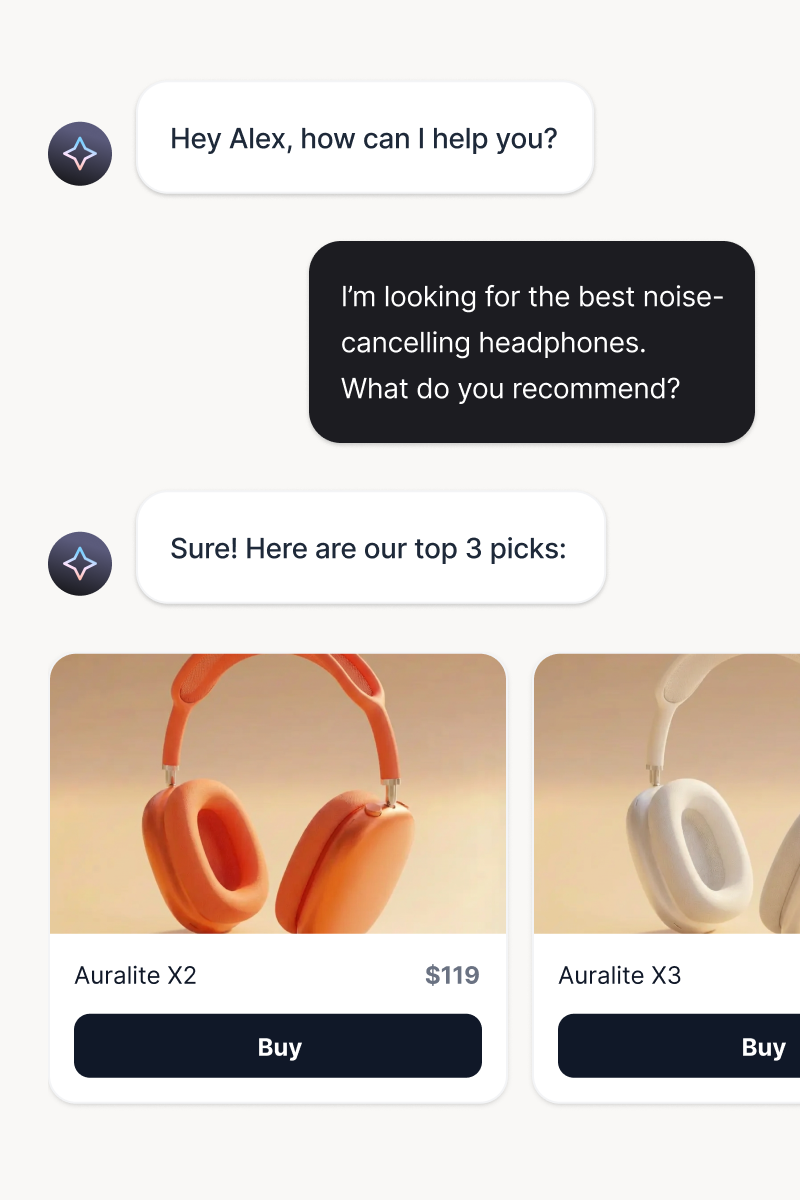
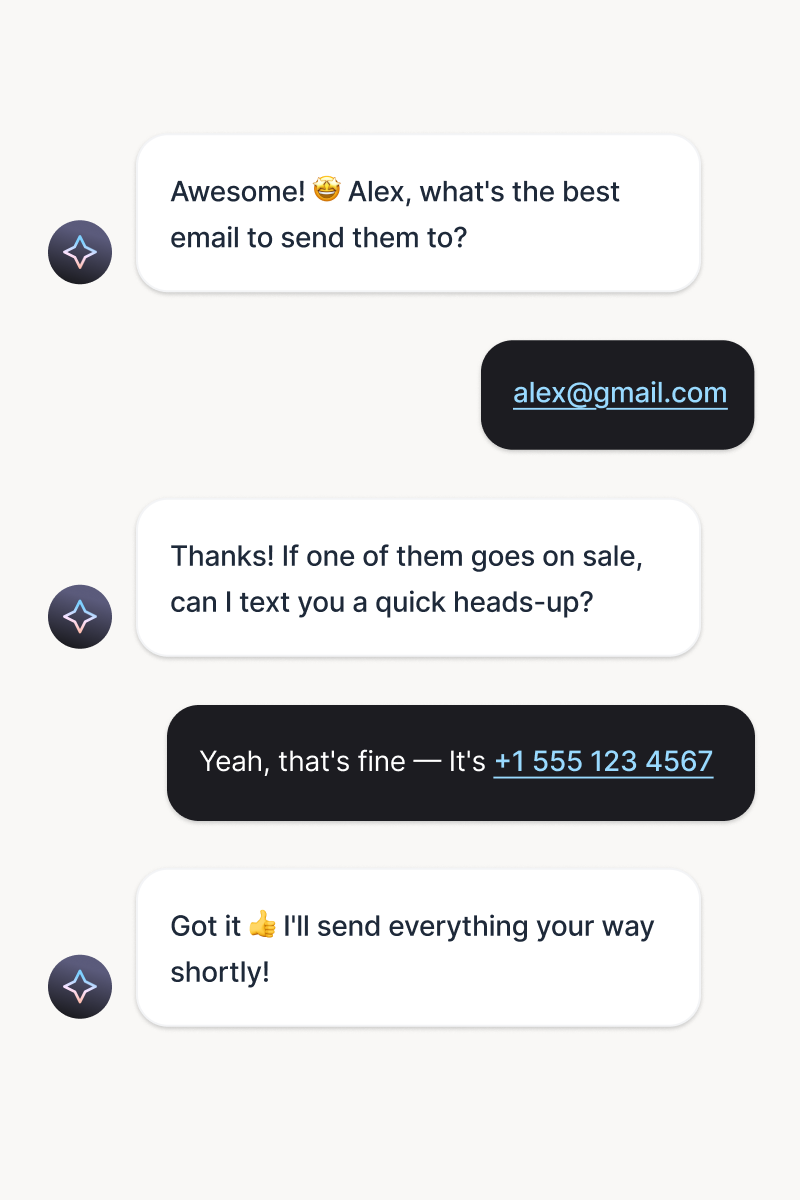
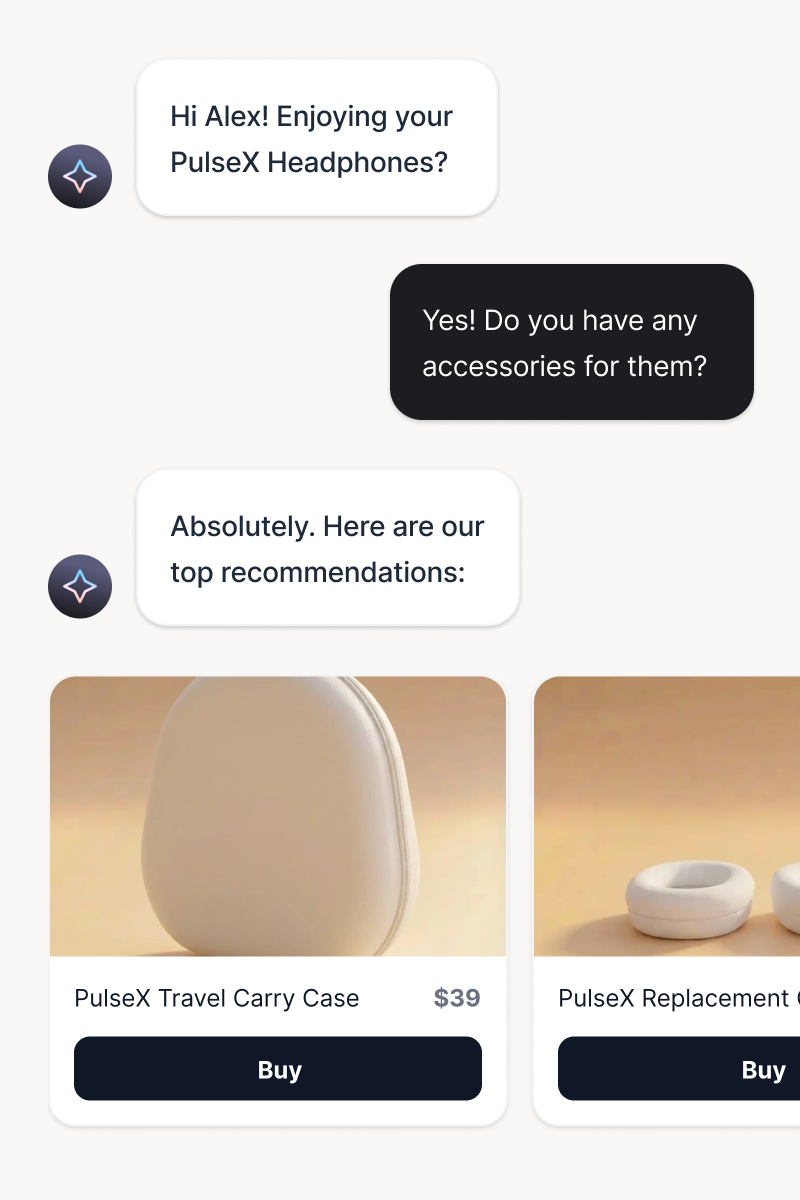
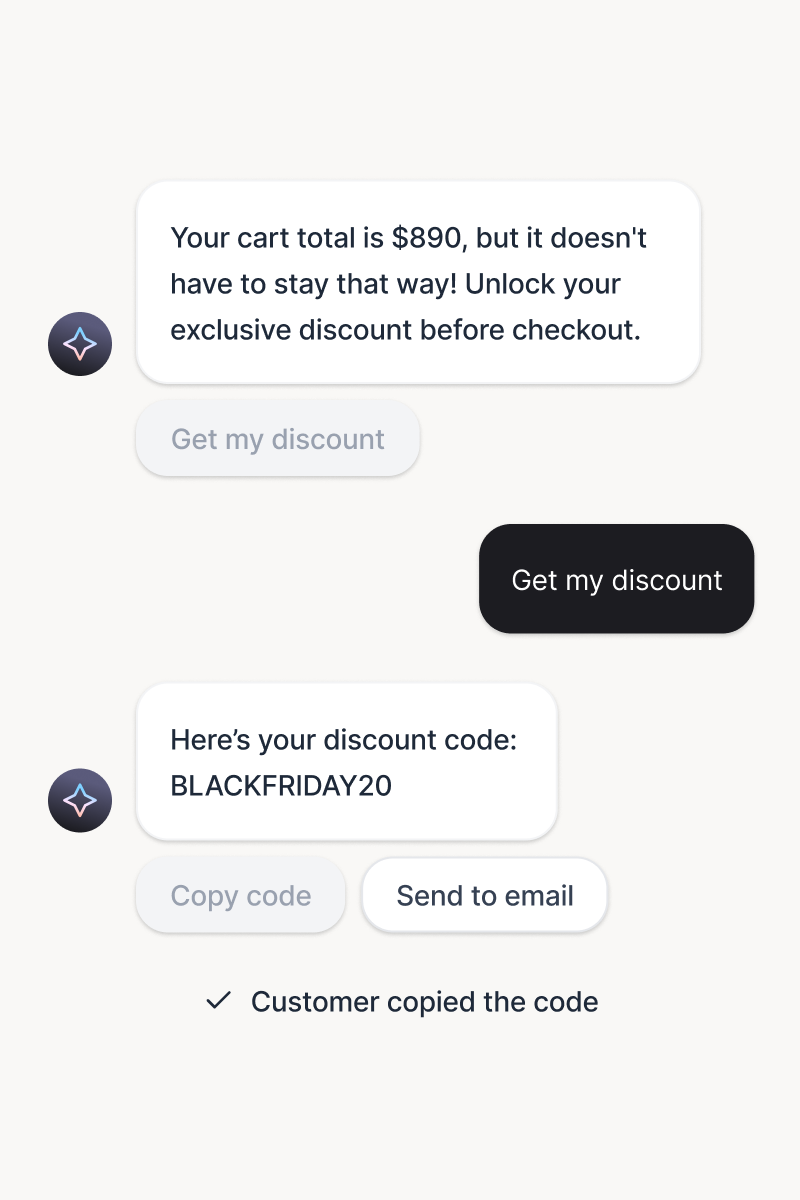
Product recommendations
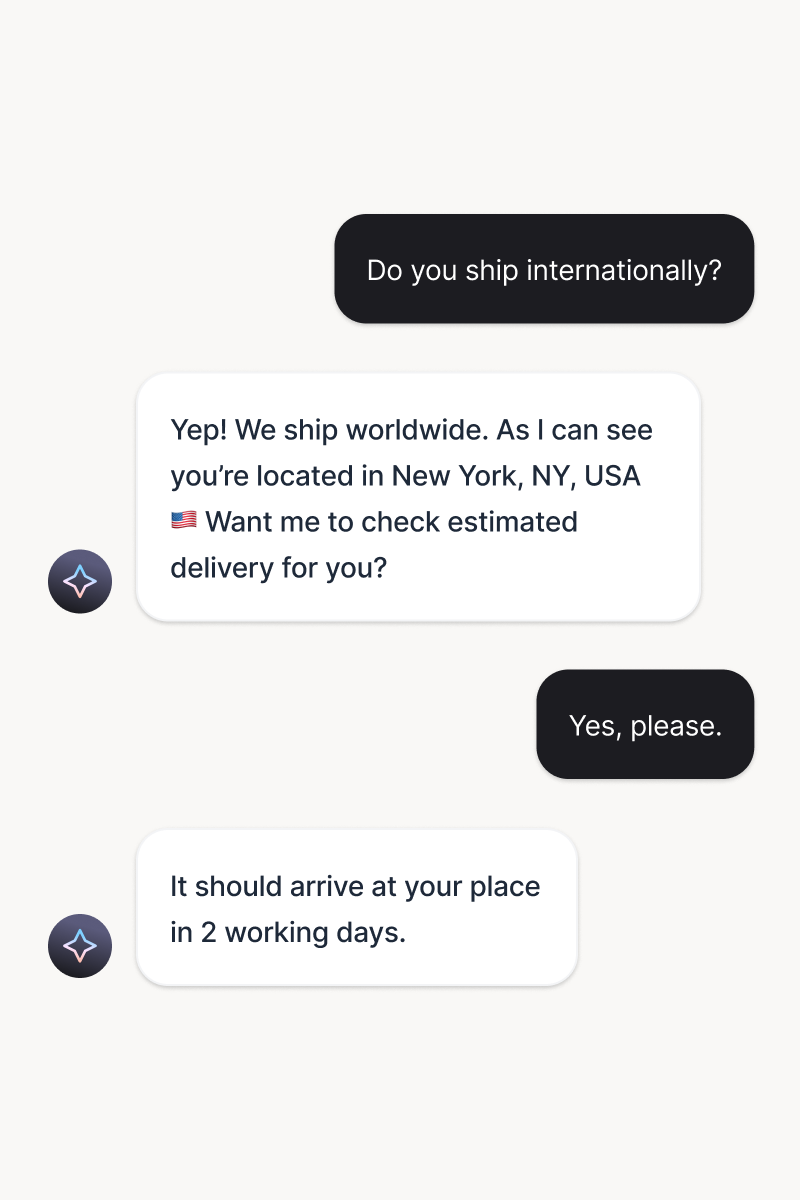
Your AI agent matches customers with products they actually want. Personalized suggestions based on browsing history, cart contents, and conversation context.
Try it freeLead capture
Generate and qualify leads instantly, in the right moment. Lead generation becomes part of the conversation experience.
Try it freeCross-sell and upsell
Deliver timely, relevant messages based on behavior and intent. Every nudge feels personal and drives action.
Try it freePersonalized offers
Serve tailored offers at the perfect moment. Context-aware incentives drive sales without feeling pushy.
Try it freeInstant FAQ answers
Automate over 80% of chats and tickets. Your team gets time back, and customers get answers instantly.
Try it freeSmart handoff to humans
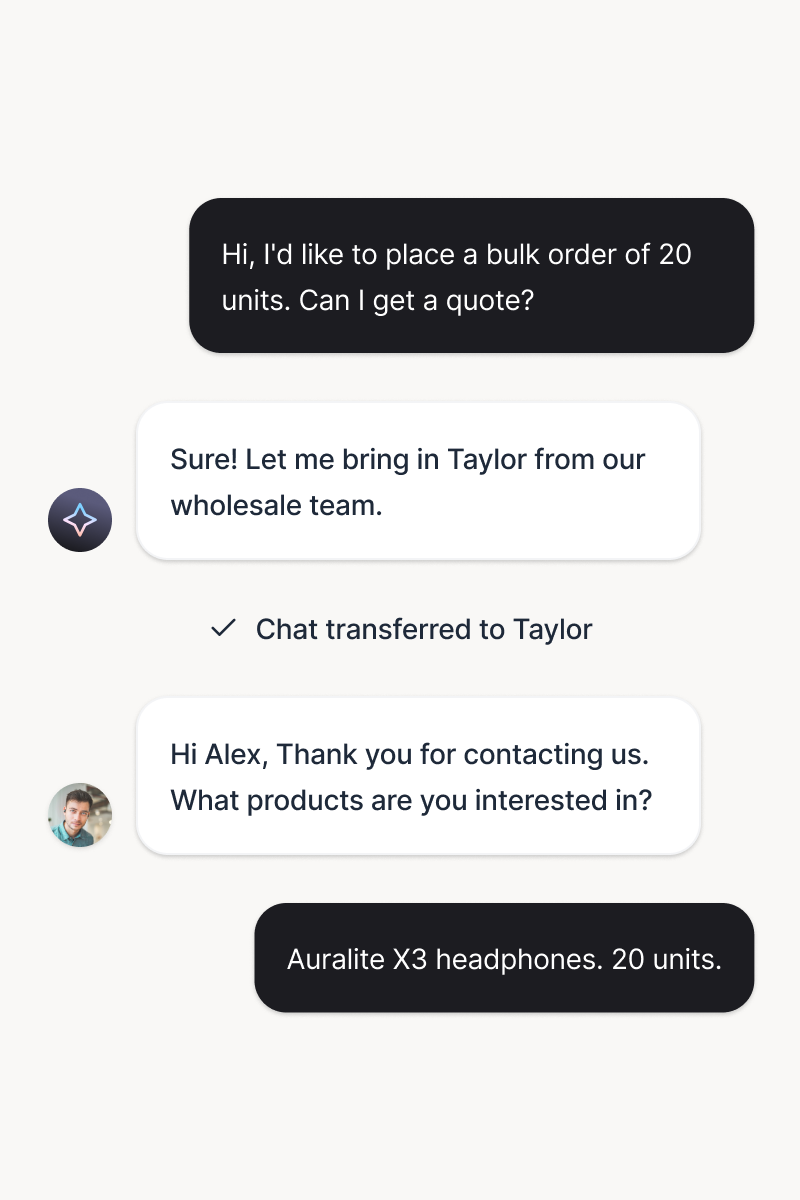
Transfer conversations with full context and zero repetition. Pick up the thread seamlessly to keep the momentum.
Try it freeWhat is a Klaviyo chatbot integration?
A Klaviyo chatbot integration is the connection between the chatbot that talks to your customers and the Klaviyo account that runs your email and SMS marketing. The chatbot captures what happens in conversations: names, emails, product interest, carts started. The integration turns those moments into Klaviyo profiles and events, where your segments and flows put them to work. With ChatBot.com, the connection is native: workflows in Text call five Klaviyo actions directly, with no connector in between.
How does the Klaviyo integration work?
A workflow watches for a trigger: an email set or identified, a customer field updated, a ticket field changed, or a product viewed or added to cart in chat. When the trigger fires, the workflow runs a Klaviyo action, so the profile updates or the event lands in real time. The customer is still in the conversation when Klaviyo already knows what happened.
Does Klaviyo have a chatbot?
Klaviyo builds AI for marketing and offers assistants inside its own suite. It does not replace a dedicated service platform: an AI agent trained on your content, human handoff, supervision, and one inbox across your website and messaging channels. That is the layer an ecommerce chatbot adds, and this integration is the bridge that keeps both sides in sync.
What to look for in a chatbot that connects to Klaviyo
Three bars are worth setting. Native actions, so data moves without a middleware hop or task limits. Triggers that catch shopping signals, not just finished transcripts. And a real service stack behind the chat, so conversations from ecommerce and retail chatbot journeys are also solving cases. If a chatbot only stores what it hears, it is a transcript. If it turns what it hears into profiles, events, and flows, it is a profit engine.
Frequently Asked Questions
Turn conversations into campaigns
Free 14-day trial No credit card required AI agent included