


Twilio SMS chatbot
for customer support
Bring customer texts into Text. Let your AI agent and team answer from one inbox, route conversations by number, and keep every reply moving.
Free 14-day trial No credit card required AI agent included


Meet customers by text
Bring Twilio SMS conversations into the same workspace as your other customer chats.
Keep the context
See the customer's phone number, assign the chat, and reply without switching tabs.
Route by number
Send each SMS conversation to the team that owns the Twilio number.
Over 35,000 brands are already selling through service with Text





Every Twilio SMS conversation
in one Text inbox
Twilio messages appear alongside your other conversations. Your team can read, assign, and reply, while the AI agent handles questions from your Knowledge Sources.

Read and reply in context
Customer details and recent conversations stay beside the thread, so your team has the context it needs before replying.

Supervise without losing context
See when the AI agent is handling a conversation and let a teammate step in when the customer needs a person.
Know which number was texted
See the Twilio source and phone number alongside each conversation.
Reply your way
Use canned responses or emojis when answering from the Text inbox.
Stay within SMS limits
Replies through the integration support up to 1,600 characters.
Connect Twilio SMS in four steps
Bring a Twilio number into Text with the credentials already available in your Twilio account.

Create your account
Start your Text account, then bring the Twilio number you already use for SMS.
Open Twilio SMS in Text
In Text, go to Settings > Twilio SMS to start the connection.
Add your credentials
Copy the Account SID and Auth Token from Twilio Account Info into Text.
Connect your numbers
Choose the phone numbers Text loads from Twilio. New messages then appear in your inbox.
Give the AI agent the right answers
Connect Twilio SMS to Text and let the AI agent answer common questions from your Knowledge Sources. It can keep conversations moving, while your team steps in, assigns chats, and replies when a customer needs a person.


Knowledge-based answers
Use your website, help center, and support content as Knowledge Sources for the AI agent.
Human handoff
Your team can open the same Twilio conversation, assign it, and reply when automation needs a person.
AI resolution reporting
See how many conversations the AI agent resolves and where your team takes over.
Route SMS to the right team
When a customer texts more than one business line, each conversation can start in the right place.

One number, one owner
Use the Twilio number the customer texted as a routing condition. A sales line can reach sales, a support line can reach support, and a fallback team can catch anything that does not match.
Sign up freeConnect multiple numbers
Bring more than one Twilio phone number into Text and keep each channel visible.
Use a fallback team
Every routing setup keeps a catch-all destination for conversations without a specific match.
Change it later
Disconnect a number in Text without deleting it from Twilio, then reconnect it when you are ready.
Your Twilio SMS channel can close deals
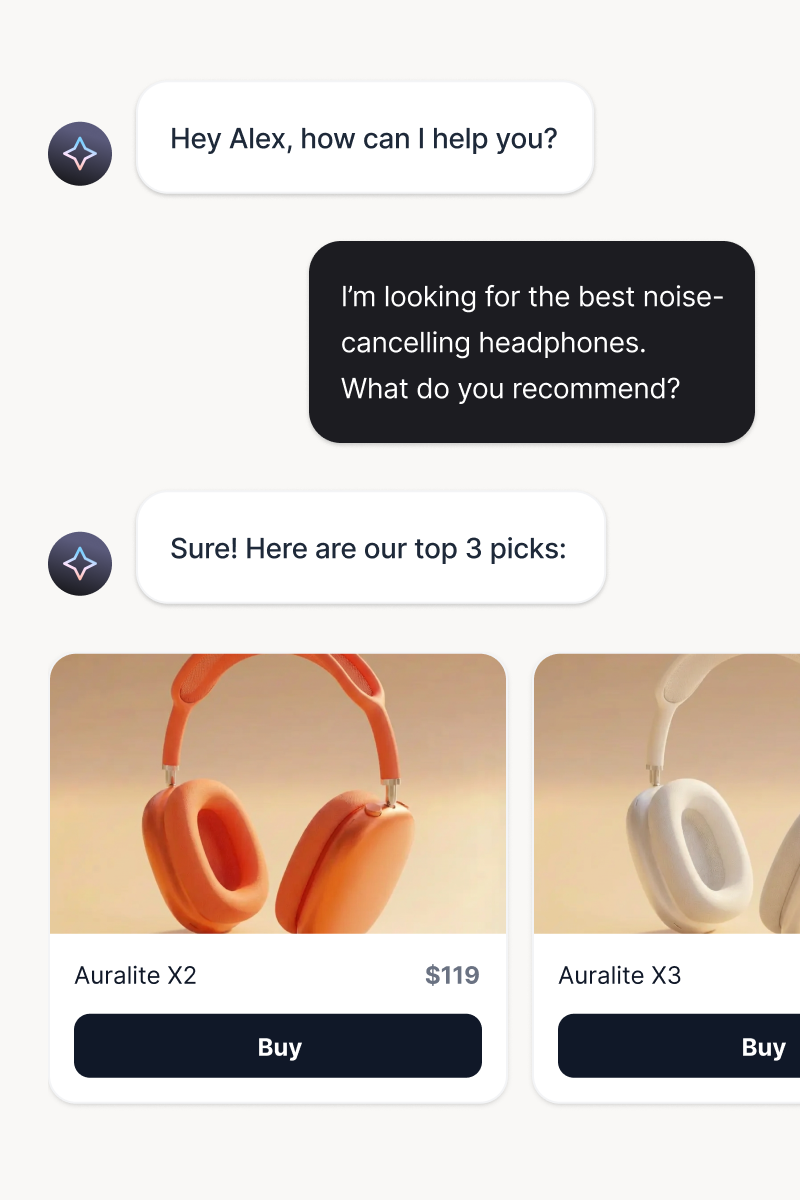
Turn every Twilio SMS exchange into a chance to answer the question, recommend the next step, and keep the customer moving toward a purchase.
Product recommendations
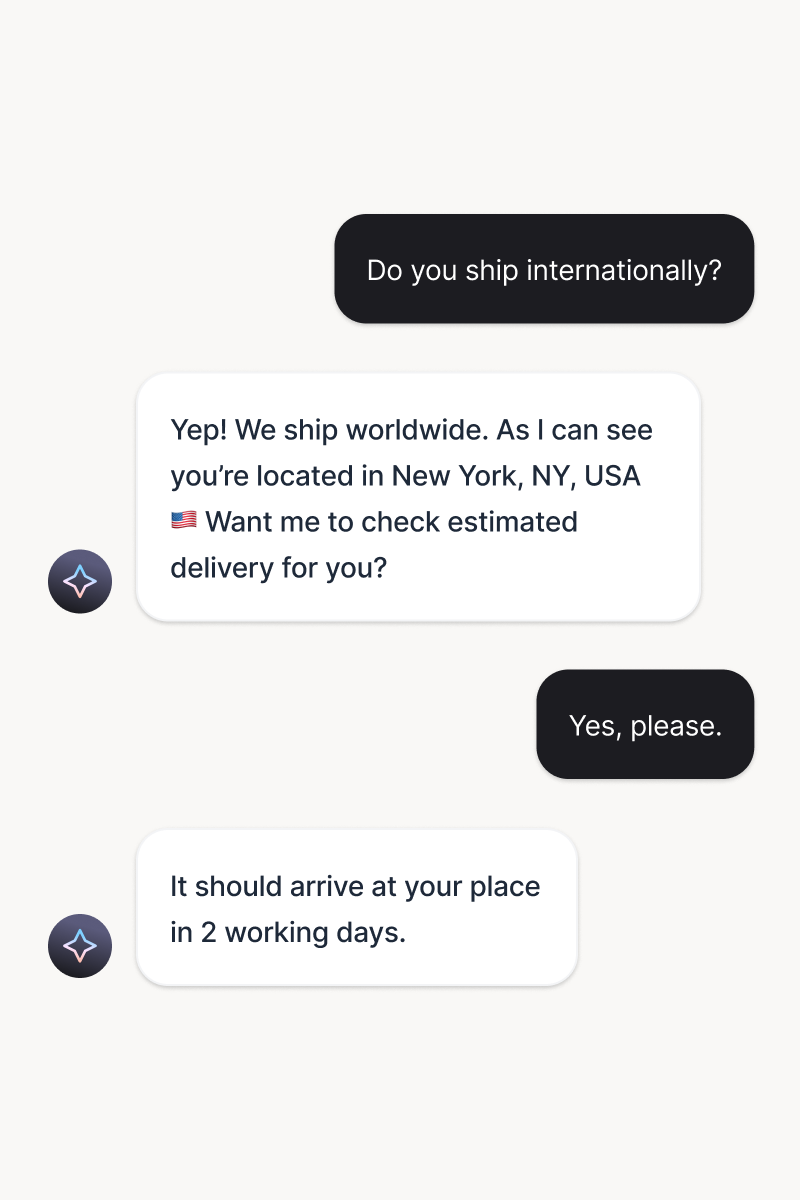
When a customer texts about a product, the AI agent can point them to the right fit and make the next step easy without sending them elsewhere.
Try it freeLead capture
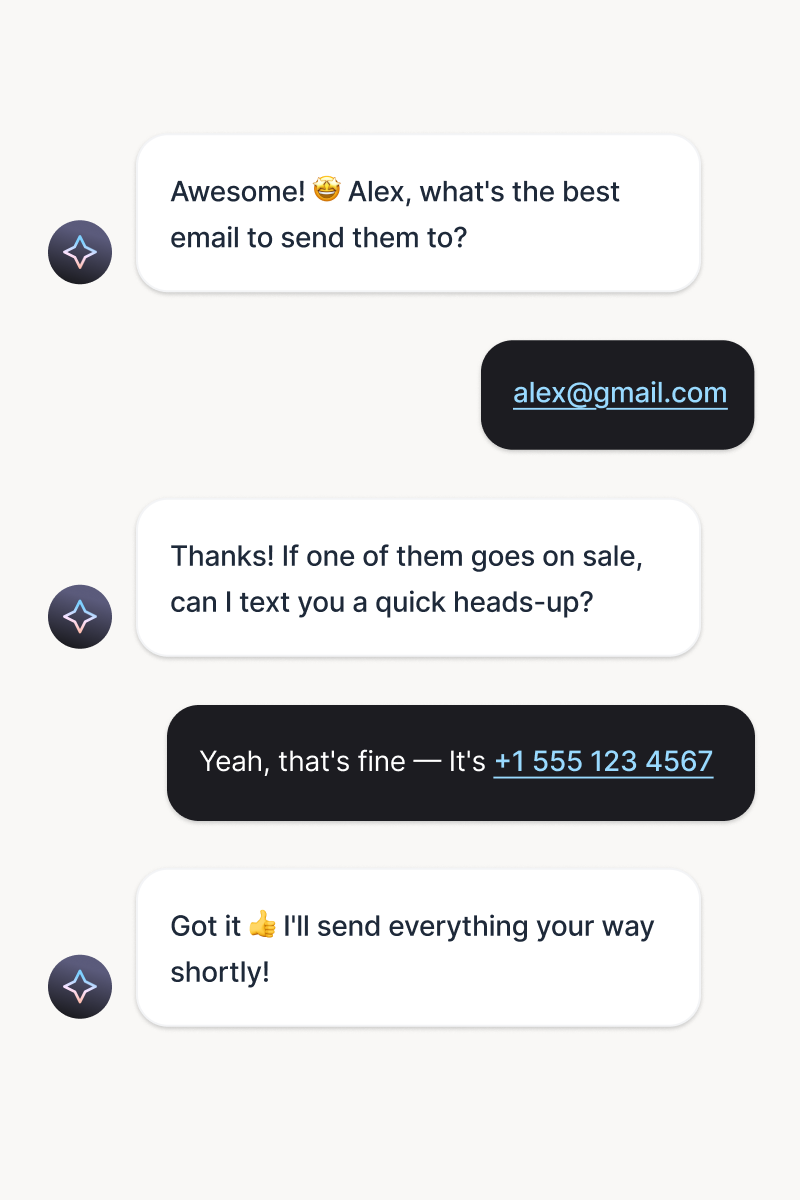
Turn an interested texter into a qualified lead by collecting contact details and intent while the conversation is still active.
Try it freeCross-sell and upsell
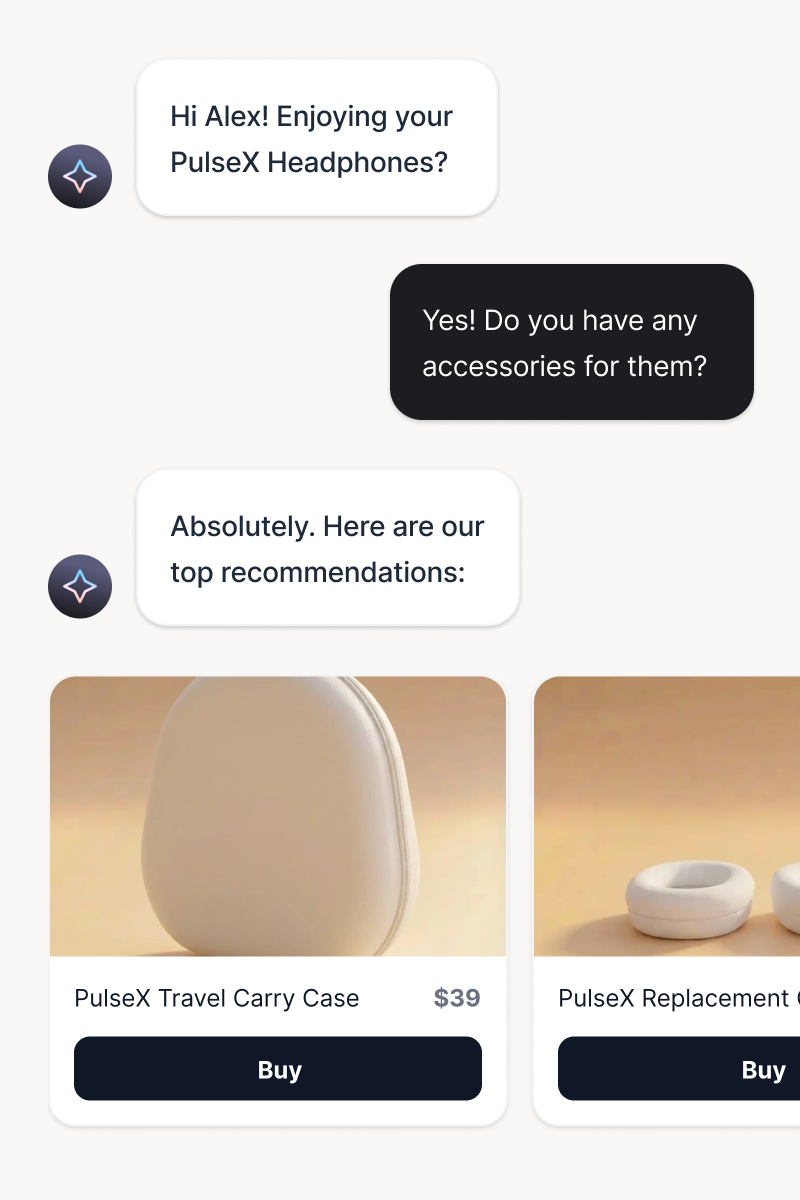
Suggest a complementary item or a better option when the customer's question reveals what they may need next.
Try it freePersonalized offers
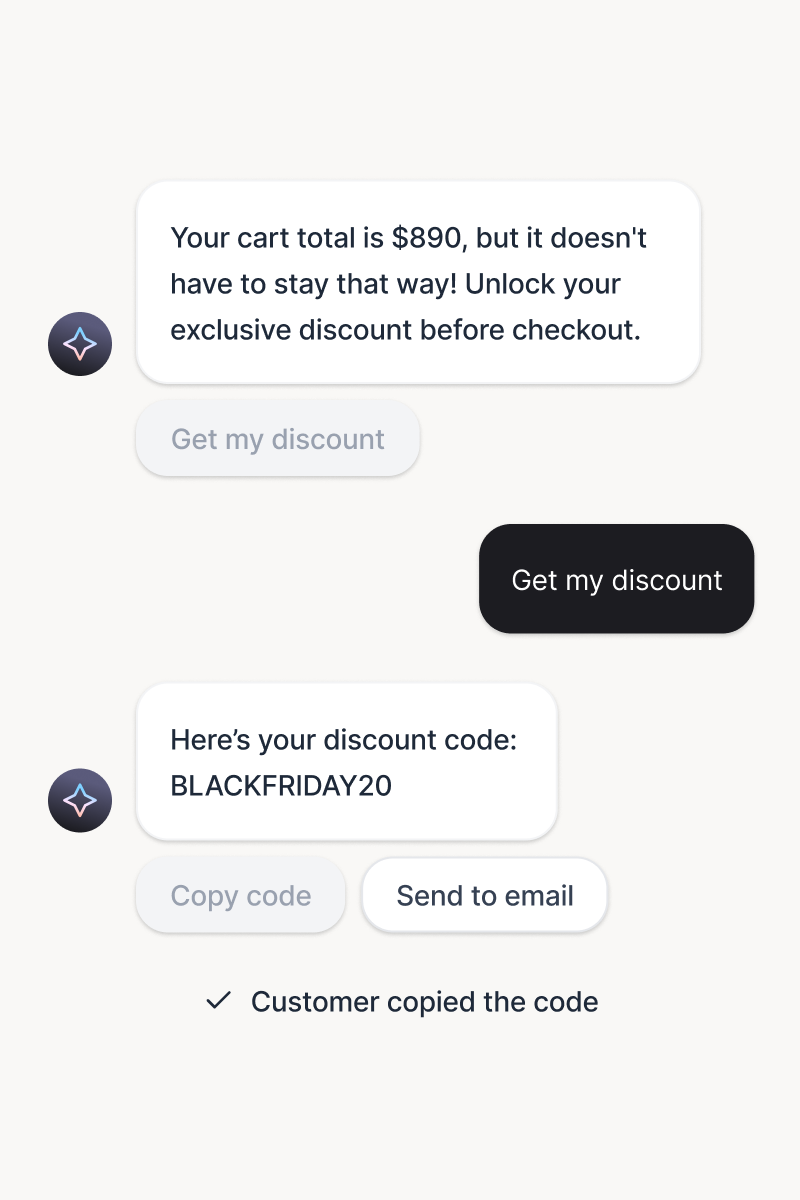
Use the moment and context of the SMS conversation to share a relevant promotion that gives the customer a reason to act.
Try it freeInstant FAQ answers
Answer common questions about products, shipping, returns, and policies from your Knowledge Sources, day or night.
Try it freeSmart handoff to humans
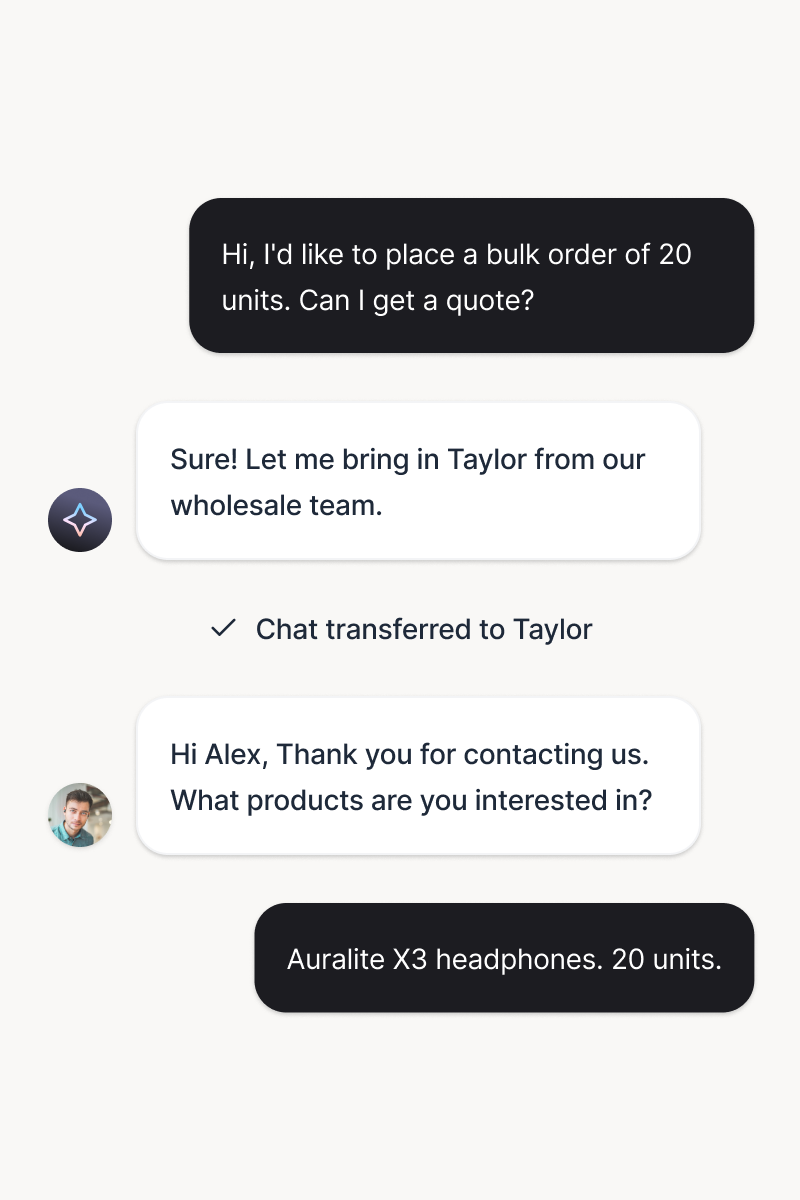
When a conversation needs a teammate, pass it over with the SMS thread and context intact so the customer never has to repeat themselves.
Try it freeWhat is a Twilio SMS chatbot?
A Twilio SMS chatbot is an AI assistant that responds to customers who text a Twilio phone number. The connection carries those SMS conversations into a workspace where an AI agent and human team can answer them. Text adds the inbox, Knowledge Sources, assignments, replies, and routing needed to turn a phone number into a working customer conversation channel.
Why connect Twilio SMS to a customer support inbox?
Customer texts should reach the people who can answer them, with the context still attached. Text puts Twilio SMS beside your other conversations, shows the source and customer phone number, and lets your team assign and reply from one inbox. Chat routing can send messages to the right team by the number customers texted.
What can a Twilio chatbot do in Text?
It can answer Twilio messages from your Knowledge Sources, while your team can read, assign, and reply in the same conversation. You can connect multiple numbers, use canned responses and emojis, route numbers to different teams, and reconnect a number later if you disconnect it.
Frequently Asked Questions
Turn every customer text into a conversation
Free 14-day trial No credit card required AI agent included