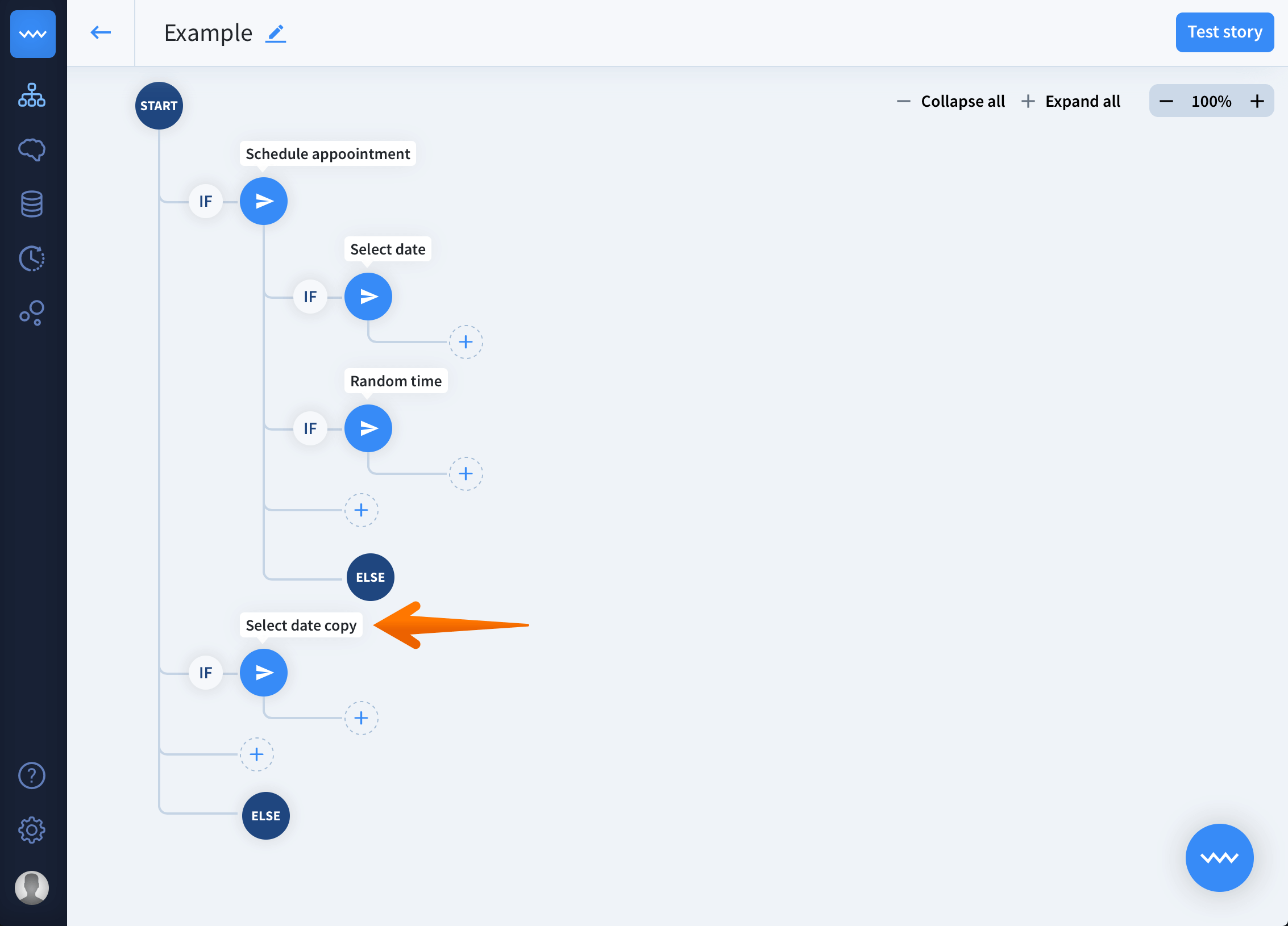
Use the cloning interaction tool when building similar interactions.
Create Stories faster using the cloning tool that allows you to make a copy of an existing interaction. The copy can be placed anywhere in the scenario and freely edited.

Use references to build shortcuts between different part of the stories, and cloning tool when you want to create a similar interaction without starting from scratch.
Use references to build shortcuts between different part of the stories, and cloning tool when you want to create a similar interaction without starting from scratch.
How to clone an interaction
- Go to the story view and click the plus button in the place your cloned interaction to be.

- Select the duplicate option from the menu.
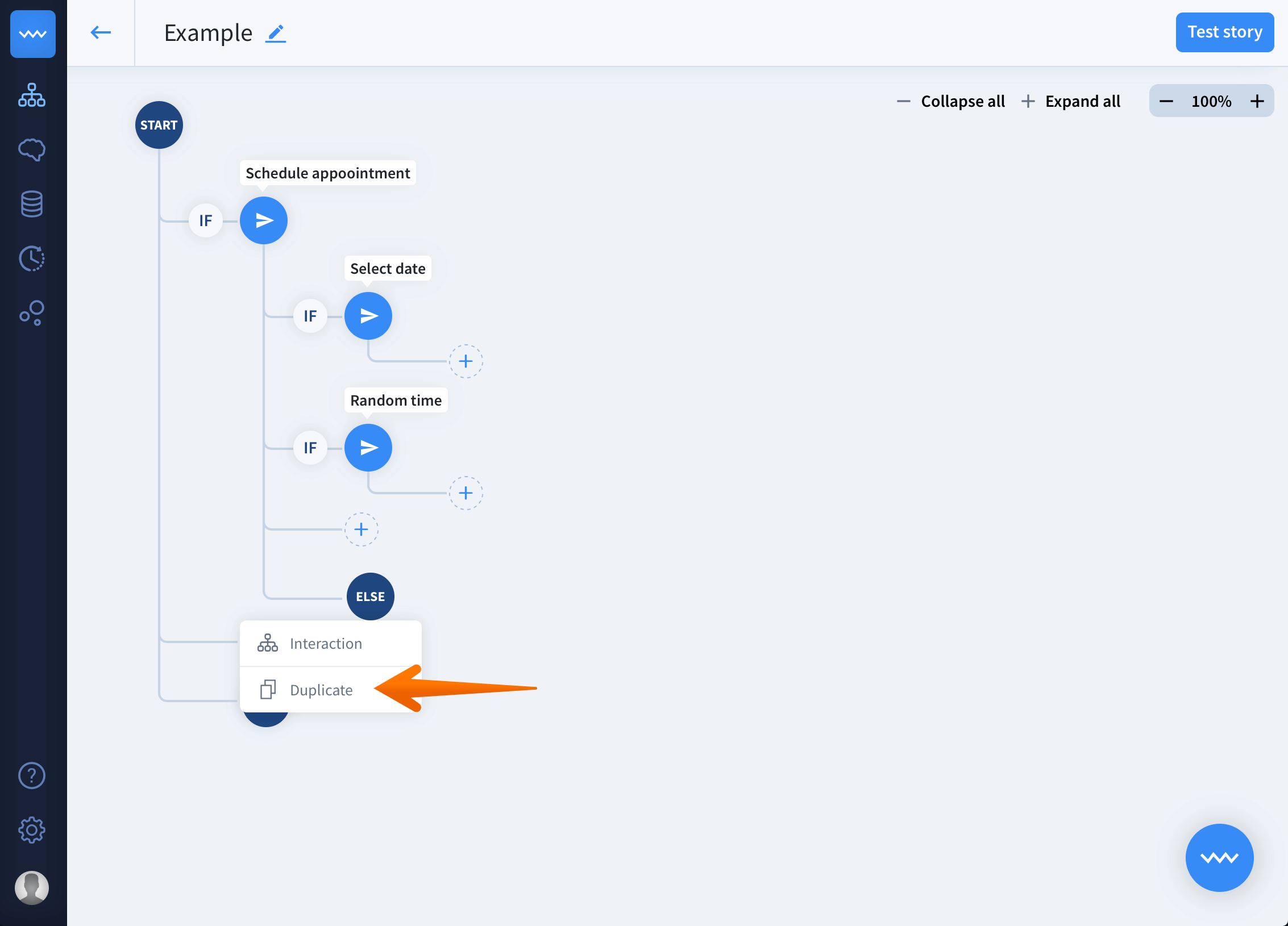
- Now you should see all the interactions that can be cloned. Select one.

- Find your newly cloned interaction by its
copyending.