

Facebook Ads are a popular and effective way to reach a target audience by promoting your products and services. Sometimes creating an ad and putting it out there may not be enough to stand out in a crowded marketplace. This is where ChatBot.com comes in - connecting your bot to your Facebook Ads can provide potential customers with a more personalized and interactive experience.
Connect your bot with Facebook Ads

Before you connect your bot with Facebook Meta Ads, ensure you have integrated ChatBot.com with Facebook Messenger.
Before you connect your bot with Facebook Meta Ads, ensure you have integrated ChatBot.com with Facebook Messenger.
- Go to your Facebook Ad Manager. Click + Create button to add a new campaign. As an objective, choose either Traffic, Engagement, or Leads from the list. Click Continue.

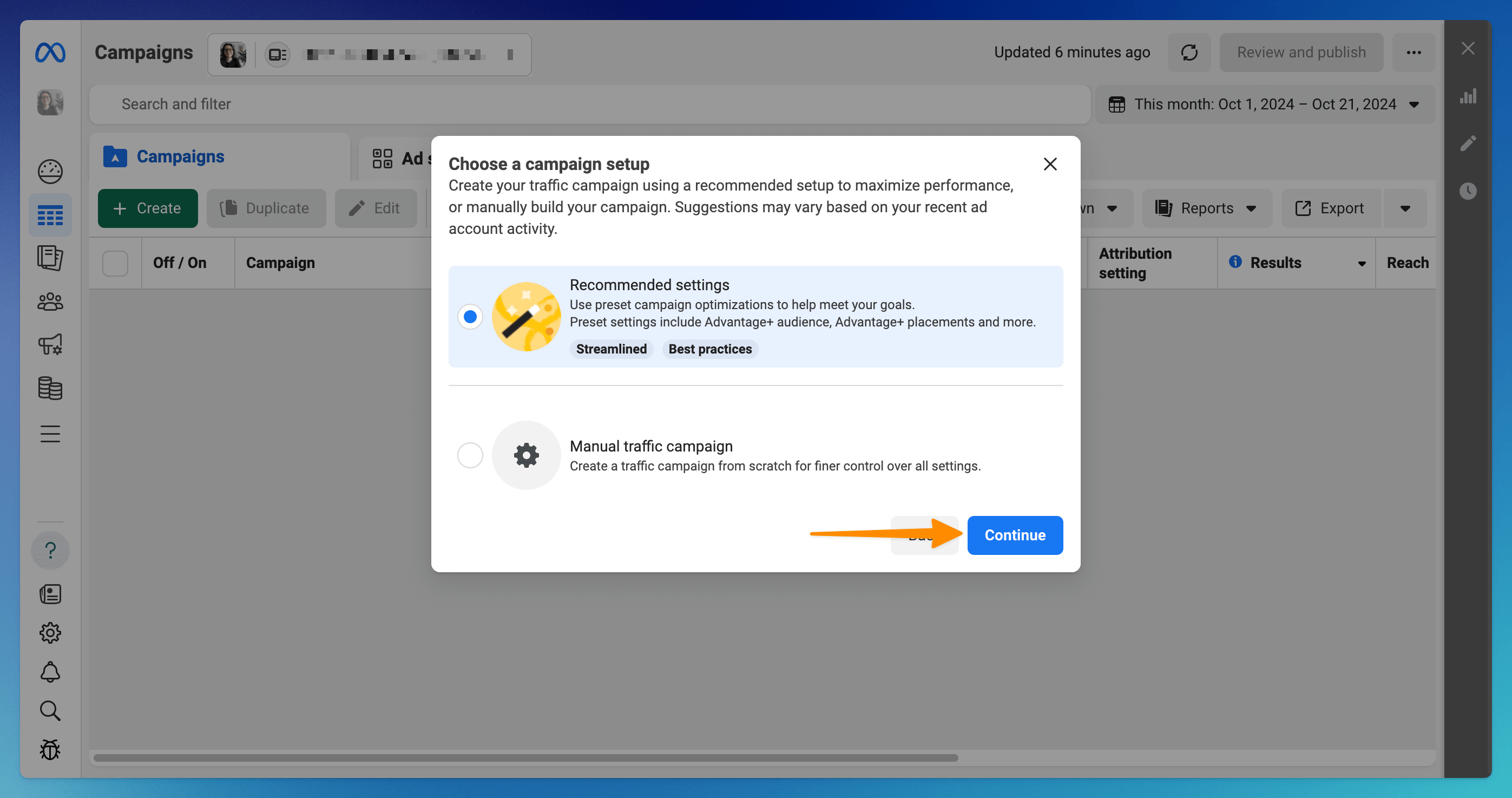
- Choose the campaign settings and continue.
If you choose the Recommended settings, click Continue. If Manual settings, adjust the settings and proceed.
- In the Conversion section, choose Messaging apps and click Next.

- In the Message template section, choose Partner app and then the Select flow button.

- Choose ChatBot.com from the list and click the Finish button to proceed.

- Fill in your remaining ad campaign information and hit Publish.
Read more: