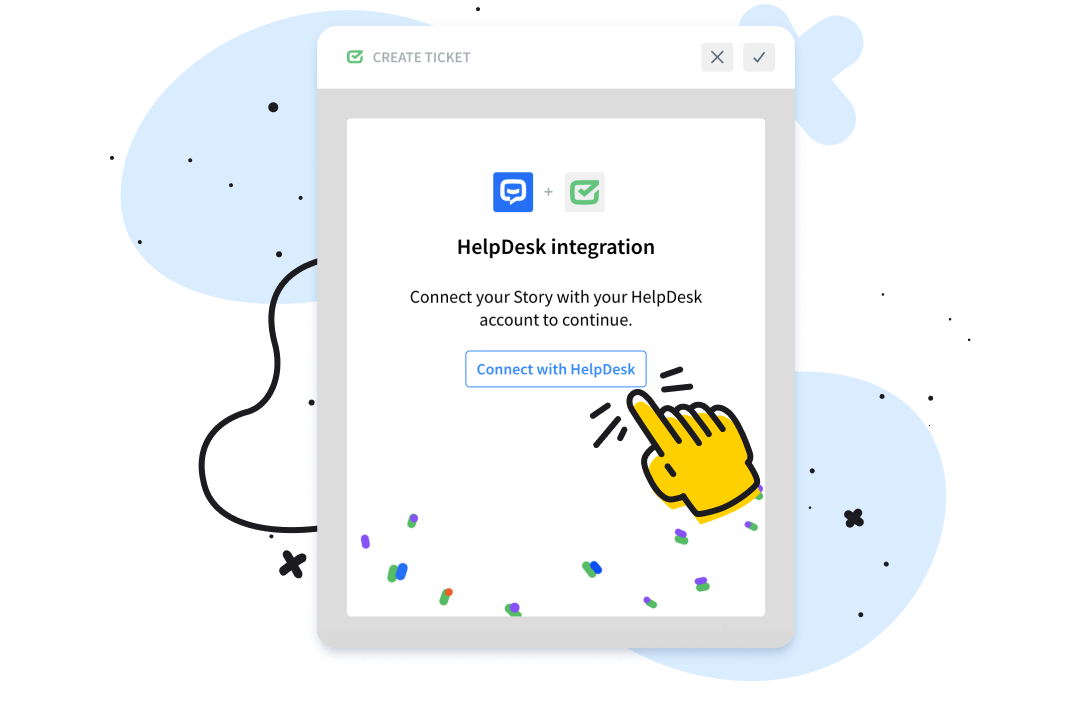
Chatbot ticketing system for HelpDesk.com
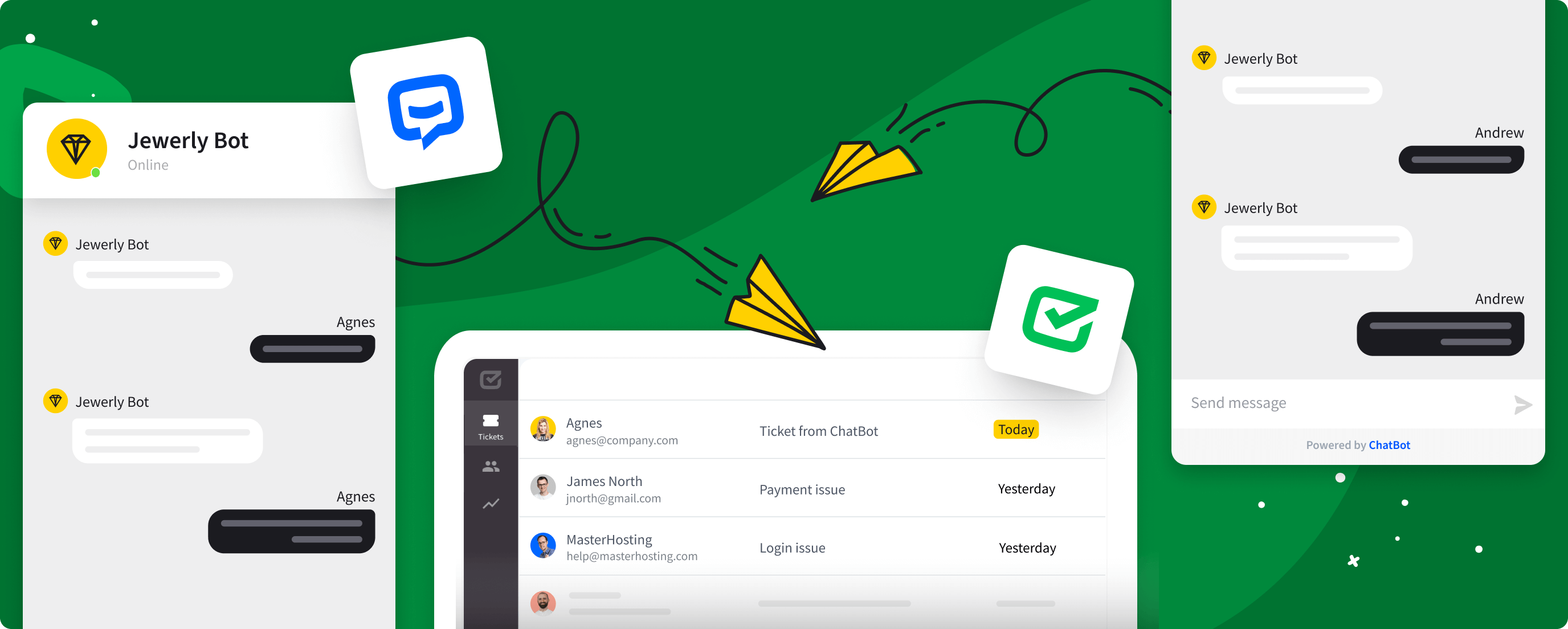
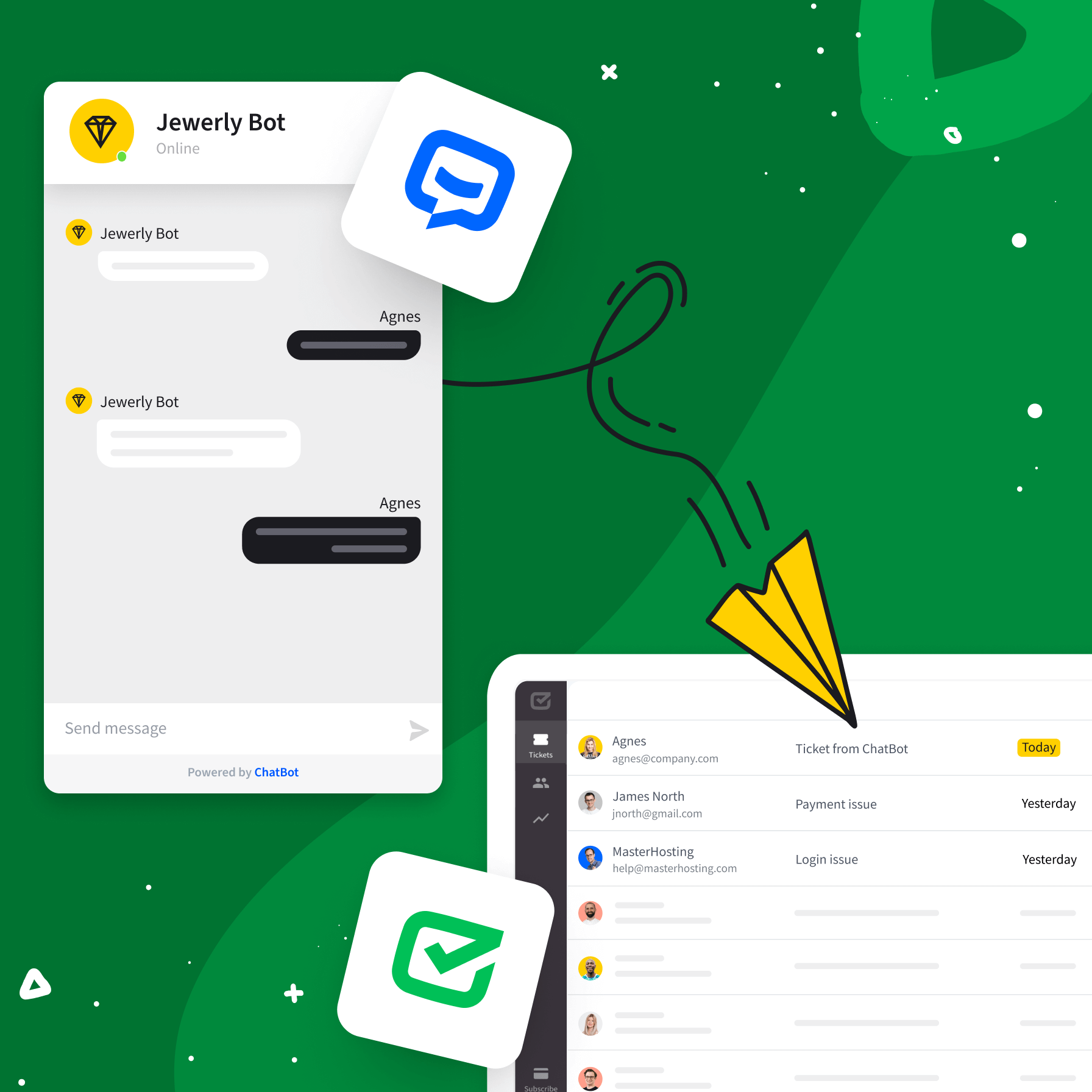
One Text account gives you the chatbot and the ticket queue together. Your chatbot answers what it can, and everything else arrives as a HelpDesk.com ticket with the whole conversation attached.
Free 14-day trial No credit card required AI Agent included
Both products, one signup
A Text trial opens with the chatbot and HelpDesk.com ticketing already switched on. No second account, no second bill.
Most chats never become tickets
AI Agent resolves up to 73% of routine questions in the chat itself, so your queue only fills with the conversations that need a person.
Nobody repeats themselves
The name, email, subject, and description your chatbot collected land on the ticket, so your team picks up mid-conversation.
You get both, on one account
ChatBot.com and HelpDesk.com are both part of Text. One signup gives you the chatbot and the ticketing system, so there's no second vendor and no second subscription. Turning the queue on takes a couple of clicks.
Sign up freeText products are trusted by 35,000+ leading brands
How AI Agent keeps the queue short
It answers from your own content, picks the right agent for the question, and leaves your team the conversations that genuinely need a person.
Learn more about AI Agent
AI Agent takes the first pass
Point it at your pages, help center, and files. It answers from those sources in the chat, and only what's left becomes a ticket your team has to work.
The right agent for the question
Run more than one AI Agent and let each take the conversations it knows best, from order status to pre-sales questions.
Tags and priority
Set them in the chatbot flow so the ticket arrives sorted instead of waiting to be triaged.
One queue for all
Email, live chat, Messenger, and SMS land together, and a conversation that hops channels stays one thread.
Less repeat work
AI tagging, summaries, and reply suggestions take the routine handling off your team's plate.
Live in three steps
Building the chatbot and putting the queue behind it takes no code at any point.
Build the conversation
Start a free Text trial, which opens with ticketing included, and set up the questions your chatbot should handle alone.
Add the ticket handoff
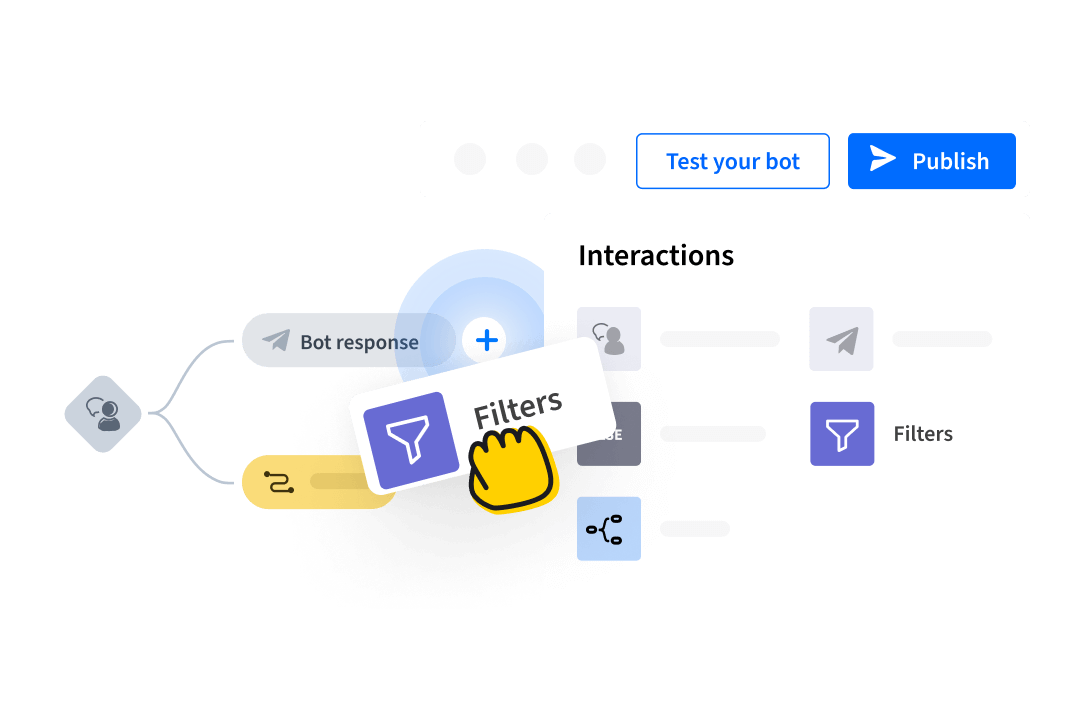
Drop a Create ticket action where a person should step in, and choose what the ticket carries.
Go live
Publish, and the first ticket your chatbot opens shows up in the Text inbox ready to work.
What is a chatbot ticketing system?
A chatbot ticketing system puts a chatbot in front of your help desk queue. It answers the questions it can handle on its own, and when a conversation needs a person, it raises a ticket with everything it already gathered. On ChatBot.com that queue is HelpDesk.com, and both products belong to the Text platform, so a helpdesk chatbot runs on one account and one plan rather than a connection you maintain between two separate tools.
How a helpdesk bot creates a ticket
Your chatbot collects a name, an email, and a description through question actions, then hits a Create ticket action in the flow. That action opens the ticket in HelpDesk.com with the tags and priority you chose, and a chat widget conversation continues as a ticket without the customer starting over. Gather, then hand over: that's the whole mechanism behind a helpdesk chatbot.
Where AI Agent fits
AI Agent answers from the content you point it at and resolves up to 73% of routine questions in chat, which means fewer tickets reach the queue in the first place. For questions that need judgment, a person picks up with the conversation already in front of them. If you're weighing a chatbot for customer service against a full help desk setup, this pairing gives you both on one Text account, on a single plan.
Already using ChatBot.com?
ChatBot.com is part of Text, and so is HelpDesk.com. Your chatbot keeps working the way you built it, and the ticket queue sits alongside it on the same account. Nothing is retired, and there's no migration to plan.
Why ticketing and chat belong together
A help desk chatbot usually gets bought to cut cost, and a queue treated purely as cost gets measured on how fast it empties. Handled well, the same conversations tell you what people are about to buy and what's stopping them. Running the chatbot and the queue on one platform means the answer, the follow-up, and the sale all happen in the same thread.
Frequently Asked Questions
Answer more, queue less
Free 14-day trial No credit card required AI Agent included