
Automate your customer service.
Sign up free
Create HelpDesk.com Tickets

Engage customers and collect HelpDesk.com tickets with a chatbot.
Get this template Collect customer contact details
Gather HelpDesk.com tickets
Collect customer contact details
Gather HelpDesk.com tickets
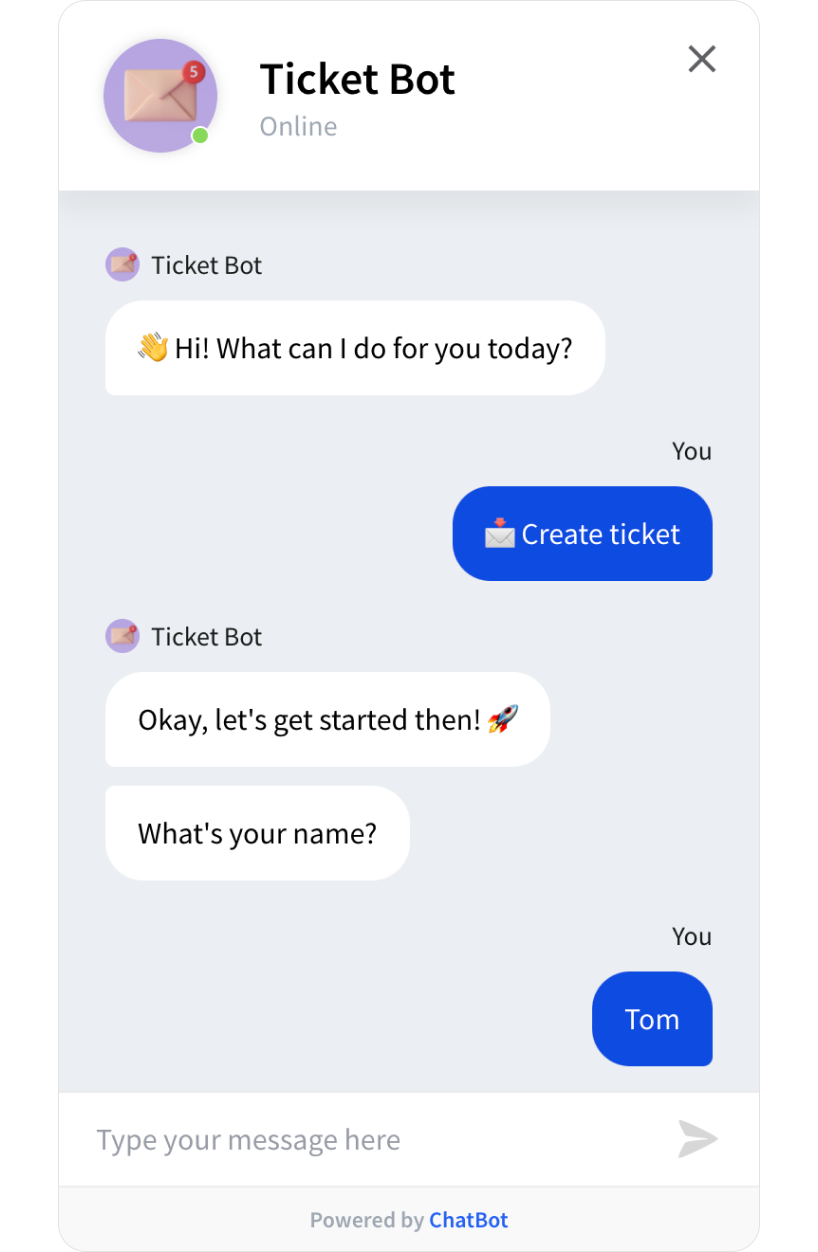
HelpDesk.com is a robust ticketing system that allows you to organize your email communication in one place. The Create HelpDesk.com Tickets template is an additional way to collect customer details and support tickets — through chatbot conversations. All the gathered requests are passed automatically to HelpDesk.com from where you can manage them with ease. By adding a chatbot to your support services, you can deliver a better and more conversational experience that your customers expect.

Add this template to your website, LiveChat, Messenger, and other platforms using ChatBot.com integrations. Open up new communication channels and build long-term relationships with your customers.
 Gather HelpDesk.com tickets with a chatbot
 Collect customer information
To get access to this template, you need to create a ChatBot.com account. If you are new to ChatBot.com, you can make use of a free 14-day trial.
No. ChatBot.com lets you easily download and launch templates on websites and messaging platforms without coding.
Yes. You can edit its Story, add additional elements, or remove unnecessary ones if needed.
A Story is a conversation scenario that you create or import with a template. You can assign one Story to multiple chatbots on your website and different messaging platforms (e.g. Facebook Messenger, Slack, LiveChat).